Shopify SEO Audits for Established Stores: Avoid 40 Pages of Noise
For established Shopify stores, an SEO audit starts with evidence and ranks indexation and template defects by revenue impact, effort, and confidence.
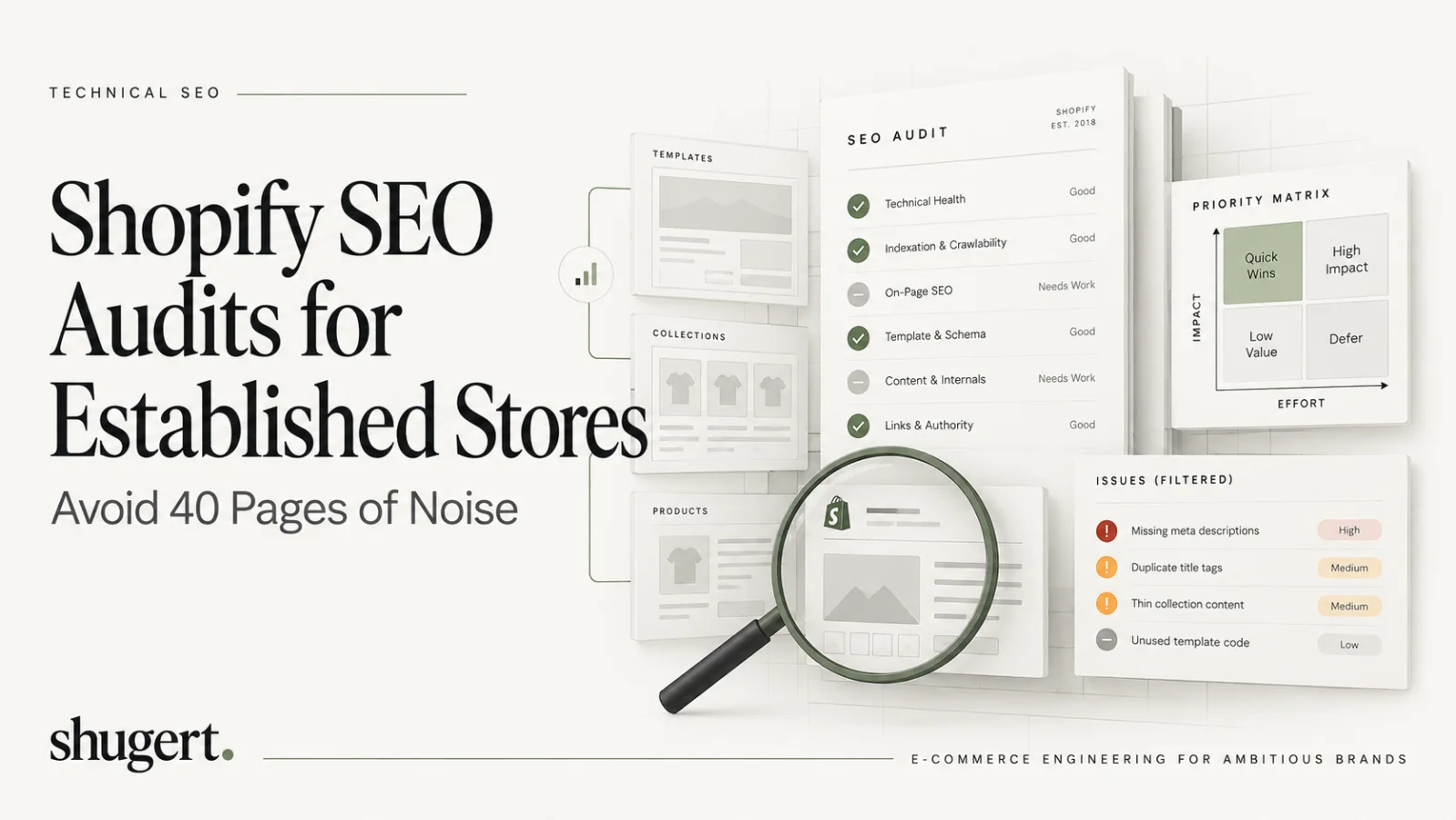
A useful Shopify SEO audit connects a verified technical defect to an affected, revenue-relevant page type and a measurable fix. It identifies priority URLs excluded from search, canonical conflicts, template-wide errors, slow product and collection experiences, and crawl paths blocked by navigation or applications. The deliverable is not a long issue count; it is an evidence pack with examples, probable cause, commercial impact, owner, acceptance criteria, and a post-release measurement plan.
Key Takeaways
A targeted Shopify SEO audit identifies indexation blockers, canonical mismatches, and template-level defects, then prioritizes fixes by business exposure, technical evidence, implementation effort, and measurable outcomes. Revenue gains are possible, not guaranteed.
| Point | Details |
|---|---|
| Start with a clear question | Define your main concern, such as traffic drops after migration, to guide the audit process effectively. |
| Build an evidence pack first | Gather data from Search Console, crawl tools, and Google Analytics before drawing conclusions. |
| Prioritize technical fixes | Focus on indexation blockers, canonical issues, and broken templates that impact large parts of the site. |
| Check crawlability and indexation | Use Search Console and URL inspection to identify pages that are discovered but not indexed or blocked. |
| Engage professionals if needed | Turn to experienced agencies like Shugert Marketing for complex fixes and SEO-safe migration support. |
Table of Contents
- What a Shopify SEO audit should cover
- Build the evidence pack before you touch a crawler
- Crawlability and indexation: reading Search Console correctly
- Canonicals, robots.txt and XML sitemaps
- Collection architecture and product templates
- Faceted navigation, variants and filtered URLs
- Internal linking, redirects and URL hygiene
- Structured data and product feeds
- Performance and Core Web Vitals triage for revenue templates
- JavaScript rendering and app/theme output
- Migration risks and redirect strategy
- Prioritization framework and a sample audit checklist
- Senior-led audits and when to bring in an engineering partner
- Get a professional SEO audit and a fixed-price quote
- FAQ
- Sources
What a Shopify SEO audit should cover
Before opening a crawler, decide what you are actually trying to prove. An audit without a question turns into a checklist nobody finishes.
Start by naming the page types that matter most to revenue: the homepage, priority collections, product detail pages, blog and guide content, filtered or faceted URLs, any legacy URLs carried over from a migration, and pages generated by apps.
Then pick a working question that the audit will answer:
- Did organic traffic drop after a replatform or domain change?
- Are collections growing in assortment but not in impressions?
- Are pages earning impressions in Search Console with almost no clicks?
- Is app or script bloat slowing down commercial templates?
Sequence the work in that order: pick the question, build the evidence pack, then run a prioritized crawl against the pages that answer it. Skipping straight to a full-site crawl without a question is how audits balloon into 40-page reports nobody actions.
Build the evidence pack before you touch a crawler
A credible audit is evidence-first. Gather crawl data, Search Console, analytics, theme and app inventories, and a change log before drawing conclusions, a sequence the Storefront Field Guide recommends for exactly this reason: conclusions without evidence get challenged, and challenged conclusions don’t get implemented.
Pull these exports into one spreadsheet, keyed by URL:
- Google Search Console: Performance, Index Coverage (now the Pages report), and spot URL Inspection results for priority pages.
- A full crawl from Screaming Frog or Sitebulb, including a rendered-crawl pass.
- Shopify admin exports for products, collections, and existing redirects.
- GA4 landing page and revenue-by-page data, plus an inventory of installed apps and a log of recent theme or app changes.
| Export | Primary question it answers |
|---|---|
| GSC Performance | Which pages get impressions without clicks |
| GSC Pages report | Which priority pages are indexed, excluded, or discovered |
| Crawl export | What actually links where, and which status codes fire |
| GA4 landing pages | Which pages convert revenue, not just traffic |
| App inventory | What’s injecting scripts, schema, or canonical tags |
Crawlability and indexation: reading Search Console correctly
Most indexation problems on established Shopify stores aren’t mysterious. They’re documented in the Pages report, you just have to read the right field.
- Open the Pages report and segment priority URLs separately from the rest of the site; look for pages marked “discovered, not indexed” or sitting under “excluded.”
- Run URL Inspection on each priority page that’s missing from the index. It returns the exact reason: noindex, blocked by robots.txt, or canonicalized to a different URL.
- Compare the current XML sitemap against your crawl export to find pages listed in the sitemap that 404, redirect, or canonicalize elsewhere, and pages reachable by internal links but absent from the sitemap.
- Check crawl depth: priority collections and bestsellers should sit within two or three clicks of the homepage, not buried six levels deep in filtered paths.
- Diff the rendered crawl against the HTML-source crawl to confirm the canonical tag, title, and meta description a theme or app sends aren’t different from what actually ships to the browser.
Pro Tip: Do not interpret every non-indexed URL as a defect: some filters, duplicates, and variants are intentionally excluded. The audit must identify which excluded URLs are strategically important, whether Google selected the intended canonical, and whether internal linking and robots directives are consistent with the indexing plan.
Canonicals, robots.txt and XML sitemaps
Shopify ships with sane defaults for all three, which is exactly why problems tend to come from customization rather than the platform itself.
- Bulk-check canonical tags across your crawl export and flag any product or collection page where the canonical doesn’t match the URL being served, a common symptom when an app injects its own canonical logic on top of the theme’s.
- Review
robots.txt.liquidline by line. Google’s own guidance on inspecting indexing applies directly here: a broad disallow rule added to block one path can quietly take an entire category with it. Confirm the platform’s default behavior before layering on custom rules, since Shopify’s built-in robots and sitemap defaults already cover most legitimate cases. - Confirm the sitemap lists your preferred, canonical URLs only, and that Search Console shows the current sitemap as successfully processed, not an outdated version from before your last structural change.
Collection architecture and product templates
Collections and product templates are where most of the commercial traffic lives, and where template-level defects do the most damage because one mistake repeats across every SKU that uses the template.
For priority collections, check:
- Intent match between the collection’s query and the products actually shown on it.
- Assortment depth: thin collections with a handful of SKUs rarely compete with deeper category pages.
- Intro copy that adds context rather than filler, plus accurate title tags and meta descriptions.
- Internal link footprint: does anything besides the nav point to this collection?
For product templates, check:
- Stable URL handles that don’t change on re-merchandising.
- Unique descriptions rather than manufacturer copy duplicated across competitors.
- Complete specs, clear variant selection, descriptive image alt text, and correct structured data.
When you find a defect on one product page, check whether it’s template-level. A missing field in the Liquid template affects every page built from it, which means the fix and the payoff both scale the same way.
Faceted navigation, variants and filtered URLs
Faceted and filtered URLs are the single biggest source of crawl bloat on established Shopify catalogs, and the fix is a policy, not a one-time cleanup.
- Pull parameter patterns from Search Console and your crawl export, then check which combinations actually earn impressions, clicks, or backlinks before deciding anything is “low value.”
- For combinations with real demand, build a dedicated collection with its own content rather than leaving it as a parameterized filter. For the rest, canonicalize to the parent collection or apply noindex.
- Variant URLs should canonicalize to the primary product URL. If your theme or an app is serving each variant as a separately indexable page, that’s a defect, not a feature.
Internal linking, redirects and URL hygiene
- Map internal links from the main navigation, homepage, guide content, and product pages into your priority collections, then flag any collection with no inbound links besides the nav, since an orphaned page rarely gets crawled with any regularity.
- Audit every redirect for chains and loops using your crawl export, and confirm each redirect lands on a final, canonical, indexable URL rather than another redirect or a noindexed page.
- Classify legacy and discontinued-product URLs explicitly, then write a redirect policy (to the closest live replacement, or to the parent collection) instead of leaving ad hoc 404s to accumulate.
Structured data and product feeds
Schema and feed accuracy matter because search engines and shopping surfaces read them directly, often before they read the visible page.
- Confirm product schema fields (price, availability, image, review data) match what’s actually on the page and what’s in the Shopify product feed; a mismatch here is a common source of merchant-center warnings.
- Check for duplicate schema output. Apps frequently inject their own JSON-LD on top of what the theme already renders, and the two can conflict.
- Run affected URLs through Google’s Rich Results Test and a general schema validator, and if you’re pushing a feed to Merchant Center, confirm its values match the live page.
Pro Tip: When two apps both inject product schema, disable one and re-test rather than trying to patch both outputs into agreement.
Performance and Core Web Vitals triage for revenue templates
Performance issues on Shopify concentrate on a handful of templates, usually the homepage, top collections, and the product template, so triage there first rather than chasing a sitewide score.
The field thresholds that matter are largest contentful paint within an acceptable load time, interaction to next paint under a recommended responsiveness limit, and cumulative layout shift below the stability target, measured at the 75th percentile of real visits, as Web defines them. The 75th-percentile view matters because it reflects what most real visits experience, not a single lab run on a fast connection.
- Pull PageSpeed Insights and CrUX data for each priority template, and layer in a RUM provider if one is already running, since field context explains which specific interactions are slow in a way lab data alone can’t.
- Inventory every sitewide app script and flag ones loading on templates that don’t need them.
- Common Shopify fixes: trim sitewide app scripts to the pages that actually use them, compress and properly size hero images, lazy-load below-the-fold content, and reserve explicit space for images and embeds to control CLS.
JavaScript rendering and app/theme output
Shopify themes and apps both inject markup after the initial HTML loads, and what Google renders isn’t always what your source-code crawl shows.
- Run the render-check workflow in order: crawl the HTML source, then crawl the rendered DOM, then spot-check priority URLs with URL Inspection’s rendered view, and document every difference you find between the three.
- Build an inventory of apps injecting sitewide scripts, links, or schema, and where it’s safe to do so, test priority pages with those apps temporarily disabled to isolate their effect.
- Log every change with an owner and a date so a fix can be reversed cleanly if it doesn’t perform as expected.
Migration risks and redirect strategy
Traffic drops after a migration or a URL structure change are almost always redirect problems, and they’re preventable with the right sequence.
- Build a complete old-URL inventory and a redirect map before launch, then test redirects in bulk rather than spot-checking a handful.
- Prioritize restoring any URL with historical impressions, inbound links, or revenue first, and audit for redirect chains or any redirect that lands on a noindexed page.
- Validate the map in Search Console and analytics after launch, keep a rollback plan ready, and compare before-and-after Search Console data on the same page set rather than the site as a whole.
Prioritization framework and a sample audit checklist
Every finding gets scored on three axes: impact (estimated traffic or revenue at stake), effort (engineering and QA time), and confidence (how solid the supporting evidence is). Combine the three into priority bands, high-impact and low-effort first, high-impact and high-effort next, and defer anything with low confidence until you have better evidence.
- Score impact using Search Console clicks or GA4 revenue tied to the affected URLs, not a guess.
- Score effort by the engineering and QA time the fix actually requires, including testing on a staging theme.
- Score confidence by how directly the evidence (a GSC row, a crawl line, a rendered-DOM diff) supports the diagnosis.
A sample audit row looks like this: page type (priority collection), URL sample, issue (canonical points to a filtered variant), evidence (URL Inspection shows “canonicalized to another URL”), impact score, effort score, confidence score, recommended owner, and a target date. Load rows like this into an action board, then validate completed fixes against the same Search Console and GA4 data points you used to score them.
Pro Tip: Validate corrected canonical, metadata, and rendered HTML immediately after deployment. Use URL Inspection on representative URLs, request recrawling when appropriate, and track indexing and impressions over the following weeks. A fixed page can be technically verified before Google has recrawled it.
Senior-led audits and when to bring in an engineering partner
Our approach at Shugert Marketing follows the same sequence outlined above: diagnose the actual constraint, define clear acceptance criteria for the fix, implement it in a controlled release, QA it, and measure before and after rather than assuming the fix worked. We bring that process to technical SEO cleanup and SEO-safe migrations for stores where template-level defects or a recent replatform are driving the traffic loss, and where a scoped engineering engagement will move faster than an internal team working the checklist alone.
Get a professional SEO audit and a fixed-price quote
If your audit turns up template-level defects, migration damage, or performance regressions that need engineering hands rather than another checklist, those are clear next steps. Specialized fixed-price technical SEO cleanups, SEO-safe migrations, and performance engagements follow the same evidence-first process covered here and are implemented by senior engineers.
When you request a quote, include your priority page list, a summary of the recent traffic change, and your current sitemap and redirect map. That’s enough for us to scope the engagement accurately on the first pass. Our Shopify SEO agency page covers ongoing organic growth engagements, and you can get a fixed-price Shopify quote directly whenever you’re ready to move from diagnosis to implementation.
What a decision-ready Shopify SEO audit delivers
Technical recommendations should be reproducible. For every high-priority issue, record the affected URL or Liquid template, the observed HTML or HTTP behavior, the relevant Search Console and crawl evidence, its business exposure, and the exact result required to close it. A collection canonical problem affecting hundreds of indexed URLs is a different priority from a missing meta description on an isolated blog post.
- P0 — indexability or revenue disruption: broken canonical targets, accidental noindex/robots blocks on strategic pages, redirect failures after migration, missing critical product or collection routes.
- P1 — template-scale inefficiency: variant duplication, uncontrolled filters, invalid structured data across a shared theme, slow main product templates, and app-generated indexable duplicates.
- P2 — relevance and CTR improvements: titles, descriptions, secondary internal links, and content refinements on already healthy pages.
Score each issue on affected qualified sessions, breadth of impact, conversion relevance, engineering effort, and evidence confidence. The final handoff should include a rollback plan, implementation owner, crawl/render QA, and measurement checkpoints—not an unverifiable promise of instant ranking gains.
FAQ
Can ChatGPT do an SEO audit?
AI can assist an SEO audit by organizing crawl evidence, highlighting anomalies, drafting hypotheses, and—when authorized connectors or exported files are available—analyzing Search Console, analytics, or rendered-page data. It cannot establish that a specific production defect exists without trustworthy access and validation. Treat automated findings as leads: reproduce the defect, verify its SEO effect, identify affected templates, and confirm the fix with live data.
How do I SEO optimize my Shopify store?
Start by fixing indexation blockers and canonical mismatches on priority pages, since those prevent everything else from working. From there, address collection and product template defects, tighten internal linking to commercial pages, and resolve Core Web Vitals issues on your highest-traffic templates.
Can Shopify be used internationally?
Yes. Shopify supports multiple currencies, languages, and country-specific domains or subfolders through its Markets feature, with platform guidance on structuring URLs and canonical tags for international storefronts.
Can you make $10,000 a month on Shopify?
An audit is not a revenue guarantee. Estimate business impact by combining the affected template's qualified organic traffic, conversion contribution, the number of impacted URLs, and confidence that the defect is causal. Then compare a pre-release baseline with 7-, 14-, and 28-day observations, allowing for recrawl delays and seasonality. A credible SEO program reports what changed and what remains uncertain instead of promising a particular monthly sales number.
Sources
Additional official references: Google Search Central — crawling and indexing FAQ clarifies that sitemap submission and URL inspection do not guarantee indexing; Google canonicalization troubleshooting explains how to validate canonical conflicts.
- Inspect URLs & Check Indexing | Google Search Central
- Shopify SEO audit checklist | Storefront Field Guide
- Web