Shopify Fraud Prevention: A Technical Guide for U.S. Brands
How established U.S. Shopify brands prevent, detect and investigate fraud: Fraud analysis, Shopify Protect, Flow holds, chargebacks, and a risk checklist.
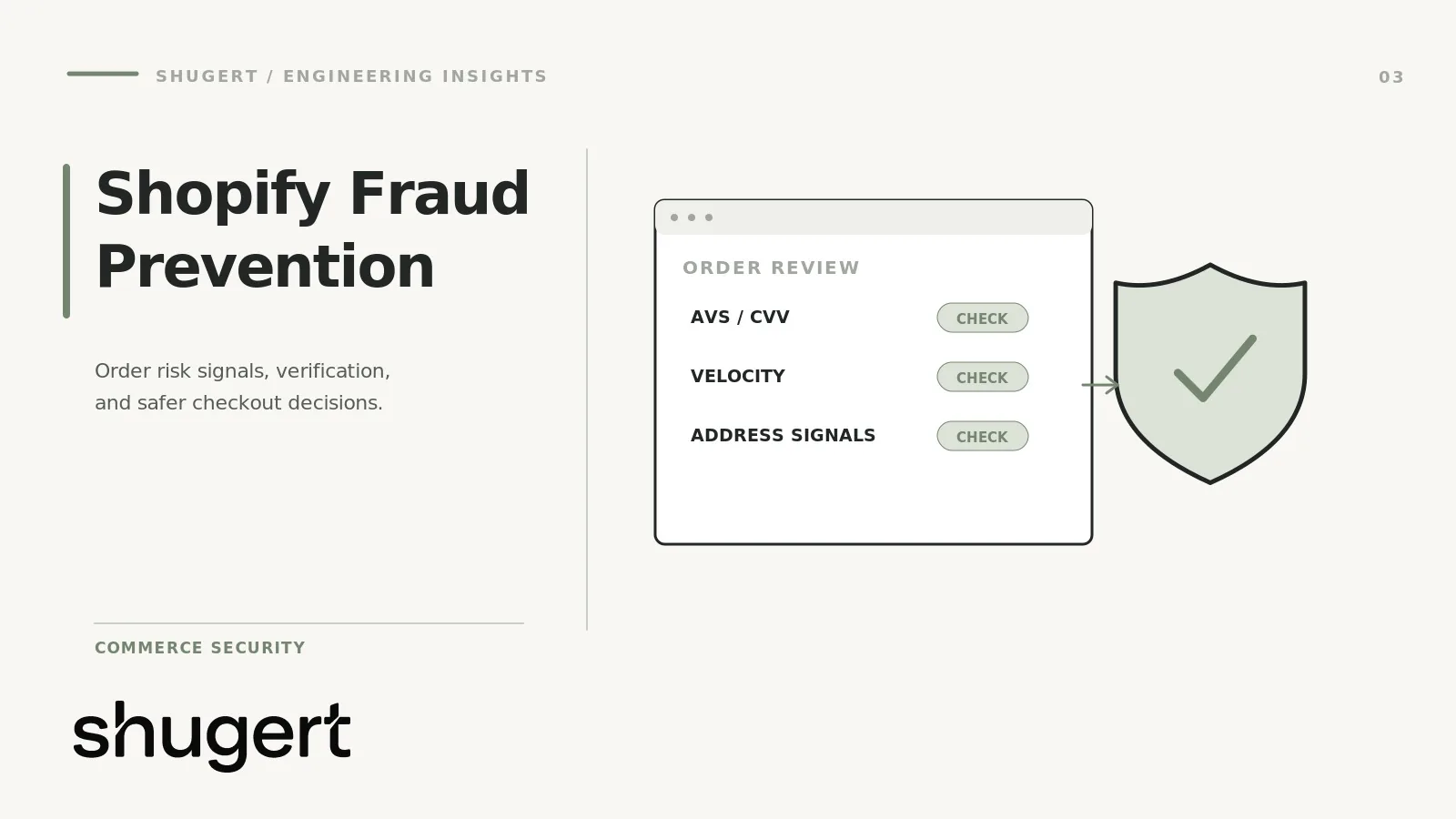
Shopify fraud prevention works best as three separate layers: controls that stop bad orders before payment, detection that scores and holds suspicious orders after checkout, and an investigation process for what slips through. Shopify’s built-in tools cover the first two partially. The rest is configuration, workflow design and operating discipline, and that is where established U.S. brands usually lose money, either to chargebacks or to turning away good customers.
This guide is written for ecommerce, marketing and technology leaders at DTC and B2B brands on Shopify or Shopify Plus. It covers what the platform does, where it stops, and how to build the rest without guaranteeing an outcome nobody can guarantee.
Key takeaways
- Shopify’s Fraud analysis flags orders as low, medium or high risk, but the score is an input to your decision, not the decision. High-risk orders you fulfill without review can drive chargebacks that put your payment processing at risk.
- For eligible U.S. merchants with a U.S. Shopify Payments account, Shopify Protect covers qualifying fraudulent or unrecognized chargebacks on protected Shop Pay orders only when its fulfillment and shipping conditions are met. It is not blanket coverage.
- Automation with Shopify Flow should key off the “Order risk analyzed” event, with manual payment capture, because risk data arrives after the order is created.
- Every fraud rule has a false positive cost. Measure declined good orders next to chargebacks, or you will optimize one number and damage the other.
- Treat admin access, staff permissions and custom code as part of your fraud surface, not only the checkout.
Table of Contents
- Prevention, detection and investigation are different jobs
- What Shopify gives you out of the box
- Suspicious order patterns worth encoding
- Building detection that runs on the right event
- Chargebacks: what to do before and after
- False positives, customer experience and trade-offs
- Third-party fraud solutions: when to add one
- Admin access and custom code are part of the surface
- A merchant-facing fraud risk checklist
- Our perspective
- When custom integrations and workflow automation help
- Work with Shugert on Shopify fraud controls
- FAQ
- Sources
Prevention, detection and investigation are different jobs
Merchants often buy one tool and expect it to do all three. It helps to separate them, because each has different owners, different failure modes and different metrics.
| Layer | Goal | Typical controls | Main failure mode |
|---|---|---|---|
| Prevention | Stop the attempt before an order exists | Payment-level blocking, bot and velocity limits, quantity caps, address validation | Blocking legitimate buyers at checkout |
| Detection | Flag and hold risky orders before fulfillment | Fraud analysis, Flow rules, third-party scoring apps, manual capture | Scores arriving after you have already shipped or captured |
| Investigation | Learn from orders that went wrong and fight valid disputes | Chargeback evidence, tagging, pattern review, rule tuning | Treating each chargeback as a one-off instead of a signal |
A useful way to run this: prevention is mostly a configuration and engineering problem, detection is a workflow problem, and investigation is an operations and analytics problem. Different people should own each.
What Shopify gives you out of the box
Fraud analysis
Shopify’s Fraud analysis reviews online credit card orders and helps you identify orders that could be fraudulent. High-risk orders carry a warning in the admin. Shopify’s own guidance is direct about the consequence: fulfilling high-risk orders can result in more chargebacks, and that can lead to payment processing being disabled.
Two practical points follow from that.
- The analysis is machine-learning based and probabilistic. A medium rating is the hard one: it is neither safe nor clearly bad, and it is where your rules and your staff earn their keep.
- Third-party fraud apps can add their own assessments, but Shopify’s documentation on reviewing orders separates Shopify’s analysis from app results, so you need to know which signal each of your workflows is reading.
Shopify’s fraud prevention overview is the starting point for the full list of tools available to your store.
Shopify Payments protections
If you use Shopify Payments, the platform can do more than score. Shopify’s documentation describes Payments blocking certain high-risk checkout attempts before an order is created. Third-party gateways don’t get that same integration, so if you run a non-Shopify gateway, your detection layer matters even more. Confirm current behavior in your own admin, since Shopify changes these features regularly.
Shopify Protect and its fine print
Shopify Protect covers fraud-based chargebacks on eligible Shop Pay orders in the United States. When an eligible, protected order gets a fraudulent chargeback, you are reimbursed the chargeback amount and the chargeback fee, and Shopify handles the dispute process.
The eligibility rules are where merchants get burned:
- Orders must contain only physical items that ship. Digital products and in-store pickup orders are not eligible.
- You must fulfill with valid tracking from a supported carrier within 7 days, and the order must be in transit within 10 days of placement.
- Shop Pay Installments orders are currently ineligible.
The operational implication is that your fulfillment SLA is now a fraud control. If a warehouse backlog, a split shipment or a delayed label pushes an order outside the window, the protection can disappear regardless of how the order scored. Shopify also lets you filter orders by protection status, which is worth building into your daily fulfillment queue so nobody has to guess.
Protect also only applies to Shop Pay orders. Your guest checkouts, card-entry orders and B2B invoices still need their own controls.
Suspicious order patterns worth encoding
The FTC’s Red Flags Rule guidance addresses identity-theft warning signs for covered businesses; it does not automatically apply to every Shopify merchant. As a practical fraud-control framework, think of two jobs: protect customer data, and watch for unusual patterns suggesting someone is using another person’s credentials. It also notes that requests for unconventional payment, such as gift cards or wire transfers, are hallmarks of scams. Translating that into Shopify terms, these are the patterns we would codify first:
- Mismatched geography. Billing country, shipping country and IP location all disagree, especially with expedited shipping.
- Unusual quantity or SKU mix. Several units of your highest-resale items, or a first order dominated by your most liquid products.
- Velocity. Many orders from one device, IP range or email pattern in a short window, or repeated small attempts with different cards (card testing).
- Disposable or freshly built email addresses paired with a high-value first order.
- Address churn. Customer requests to change the shipping address after checkout. This is a classic reshipping signal, and it can also affect Shopify Protect eligibility.
- Freight forwarders and package-reshipping addresses on orders above your normal average.
- Pressure to rush. Messages asking for faster shipping or immediate dispatch before payment is verified.
No single signal is proof. Fraud rules work as combinations: a first-time customer, a high-risk score and a forwarder address together deserve a hold. A returning customer with a medium score and a known shipping address does not.
The pattern is not unique to checkouts, either. Scam storefronts and impersonation also hurt shoppers, and your support team will hear about it when a victim blames the wrong brand. Sending customers a clear note about your official domains and contact channels is cheap, and it reduces confusion when impersonators use your name.
Building detection that runs on the right event
This is the most common technical mistake we see described in Shopify fraud workflows: automation that assumes the risk score exists the moment an order does.
It doesn’t. Shopify’s documentation for the Order risk analyzed trigger says the trigger starts a workflow when an order’s fraud analysis is complete, and that it is invoked only for Shopify risk assessments, not third-party ones. A workflow keyed to “Order created” will often run before any risk data is there, so a rule such as “cancel if high risk” quietly never fires.
A safer pattern for Shopify Flow:
- Switch payment capture to manual in your admin settings. Shopify’s templates for capturing payment after risk analysis require it.
- Trigger on Order risk analyzed, not Order created.
- Branch by risk level and context. Low risk and a returning customer: capture payment. Medium risk: tag the order and send it to a review queue. High risk: hold fulfillment and notify the reviewer.
- Use the available actions deliberately. The trigger supports actions such as adding order tags, holding a fulfillment order, capturing payment and canceling an order. Prefer hold and tag over automatic cancel until your false positive rate is known.
- Run a separate path for third-party scores. If an app produces its own assessment, build its own trigger or tagging step, since the Shopify trigger does not fire for it.
Manual capture has a cost. Authorizations expire, so your review queue needs a service-level target, and slow review delays revenue recognition and can frustrate customers. Decide on a maximum hold time and what happens when it is exceeded.
Chargebacks: what to do before and after
A chargeback is a cardholder’s dispute mechanism. It is not an investigation tool for you, and it arrives late. By the time a dispute lands, the goods are gone. The goal is to reduce the number of disputes that reach that point and win the ones that are legitimately contestable.
Before the dispute:
- Keep delivery evidence: tracking, signature rules for high-value orders and delivery confirmation.
- Make your billing descriptor recognizable so honest customers don’t dispute a charge they don’t remember.
- Make refunds and support easy to reach. Some “fraud” chargebacks are really unresolved service issues.
- Separate true fraud, friendly fraud (the customer made the purchase and disputes it) and merchant error in your reporting. They need different fixes.
After the dispute:
- Collect order data, IP and device information, customer communication and fulfillment proof in one place, so responding doesn’t depend on someone remembering where things are.
- Tag disputed orders and the customer record, then review them monthly for shared traits.
- Feed what you learn back into your Flow rules. An investigation that doesn’t change a rule is a missed opportunity.
Deadlines for responding to a dispute are set by your processor and the card networks, so read your own processor’s current terms rather than relying on a general number.
False positives, customer experience and trade-offs
Every control creates friction, and the friction lands on real customers. A strict rule set that cancels 2% of orders to avoid a handful of chargebacks may be a bad trade if those canceled orders skew toward your best new customers.
What we would measure together:
- Chargeback rate and chargeback dollars, by month.
- Orders held, and the share released after review. A high release rate means rules are too tight.
- Orders canceled for fraud and any follow-up complaints.
- Review time per order and time to capture.
- Repeat-purchase rate for customers who were held and then released.
Automated scoring has real limits. It reflects patterns in past data, it can be wrong in both directions, and a determined attacker adapts. Treat a low score as “not obviously risky,” not “safe.” A good fraud program has a human-reviewed path for medium cases and for high-value orders, and it revisits rules regularly. No tool, ours or anyone else’s, should be sold as a guarantee of fraud reduction.
Third-party fraud solutions: when to add one
Shopify’s native stack is a sensible foundation. Consider adding a third-party solution when:
- You run a non-Shopify gateway or multiple gateways and need consistent scoring.
- Your average order value, resale-prone catalog or international mix makes native analysis too coarse.
- You need chargeback evidence automation or a financial guarantee model that your volume justifies.
- Your fraud team needs case management, custom rules or device intelligence beyond the admin.
When you evaluate vendors, ask: What data does it see at checkout versus after? Does it write its result back to the order in a way Flow can read? Who bears the loss on a guaranteed decision, and under which exclusions? How does it handle B2B and repeat customers? And what does it add to page weight and checkout time? Third-party scripts affect performance, so test them the way you would test any other storefront change.
Admin access and custom code are part of the surface
Fraud is not only about the buyer. Compromised staff accounts, over-broad permissions and sloppy integrations lead to order manipulation, refund abuse and data exposure.
- Give each staff member and agency a named account with least-privilege permissions, and remove access when work ends.
- Require strong authentication on every admin login.
- Never put raw card data, such as CVV codes, in order notes, spreadsheets or custom databases. Running on Shopify doesn’t remove your own responsibility for how you handle data.
- Review installed apps and API scopes at least quarterly, and remove the ones you don’t use.
- Log who changed fraud rules, Flow workflows and payment settings.
A merchant-facing fraud risk checklist
Use this as a quarterly review. Check what applies to your setup.
Configuration
- [ ] Fraud analysis reviewed on every order above your risk threshold, with an assigned owner.
- [ ] Manual payment capture enabled where Flow depends on risk results.
- [ ] Flow workflows trigger on Order risk analyzed, not Order created.
- [ ] Third-party assessments have their own tagging and hold logic.
- [ ] Shopify Protect status visible in the fulfillment queue, with the 7-day and 10-day windows tracked.
Operations
- [ ] Written review playbook: what to check, who decides, how long a hold can last.
- [ ] Rules for address changes after checkout and for high-value first orders.
- [ ] Delivery proof retained for high-value shipments.
- [ ] Customer messaging for held orders that is polite and fast.
Measurement
- [ ] Monthly report: chargebacks, held orders, release rate, canceled orders.
- [ ] Disputes categorized as fraud, friendly fraud or merchant error.
- [ ] Rules reviewed against outcomes, not only against fraud losses.
Security
- [ ] Staff and agency permissions audited.
- [ ] Authentication enforced on all admin users.
- [ ] No card data in notes, tags or custom storage.
- [ ] Apps and API scopes audited.
Our perspective
We approach fraud the way we approach most Shopify engineering problems: find the actual constraint, define what “acceptable” means, change things in a controlled environment, and measure before and after. For established brands, fraud prevention is an operational trade-off, not a quest for zero fraud. The aim is to spend senior attention on genuinely risky orders, let legitimate customers pass without friction, and use Shopify Flow to hold only what deserves a hold.
The issues we would look at first are practical ones: workflows that run on the wrong trigger, a fulfillment process that quietly forfeits Shopify Protect eligibility, third-party apps whose scores never reach Flow, and admin access that nobody has audited. None of those need a new vendor. They need careful configuration, testing and a release process. We don’t promise any specific reduction in fraud or chargebacks, and you should be wary of anyone who does.
When custom integrations and workflow automation help
Native tools and Flow cover a lot. Custom work starts to pay off when:
- Risk signals live in several systems (ERP, CRM, a B2B credit file, a loyalty program) and need to come together before a decision. Our notes on Shopify ERP integration cover that kind of data plumbing.
- You need rules that depend on customer history, wholesale terms or SKU-level resale risk that standard conditions can’t express.
- You want a review queue with routing, SLAs and audit logs rather than tags in the order list.
- Checkout behavior needs to change, which on Shopify Plus involves extensibility constraints you should plan around.
- Third-party scripts or apps are slowing down the storefront, and the fraud layer needs to be lighter.
If you’re on the fence, a scoped intervention is usually the right first move: audit the current setup, fix the highest-risk gaps, and verify the result.
Work with Shugert on Shopify fraud controls
Shugert Marketing is a senior-led Shopify and Shopify Plus engineering partner for established U.S. DTC and B2B brands, working in the Shopify ecosystem since 2015 and as a Shopify Select Partner. We can review your fraud workflows, build Flow automations and custom integrations, and release them with QA and measurement. Our Scoped Shopify Intervention starts from $2,500 one-off, and Custom Development and Replatforming starts from $5,000. You can also request a fixed-price quote and tell us what you’re seeing.
FAQ
Does Shopify offer fraud protection?
Yes, in layers. Fraud analysis flags orders by risk level, Shopify Payments can block some high-risk checkout attempts, and Shopify Protect reimburses fraudulent chargebacks on eligible Shop Pay orders. None of these replace your own review process, and Protect only applies when its shipping and eligibility rules are met.
Will Shopify refund me if I’m scammed?
Only in defined cases. For an eligible, protected Shop Pay order that receives a fraudulent chargeback, Shopify reimburses the chargeback amount and fee. Orders outside the 7-day tracked fulfillment and 10-day in-transit windows, digital items, pickup orders and Shop Pay Installments are not covered, so check each case against Shopify’s current rules.
Why am I getting fraud orders on Shopify?
Fraudsters target stores with resalable products, weak velocity controls and fast fulfillment. Card testing, stolen credentials and reshipping schemes are common drivers. A review of your order tags, IPs and address patterns usually shows which type you’re facing.
How do I reduce chargebacks without blocking good customers?
Hold selectively rather than cancel broadly: use Flow to tag and hold medium and high-risk orders, review them quickly, and track your release rate. Keep delivery proof, use a recognizable billing descriptor and make support easy to reach. If the release rate is high, loosen the rules.
Sources
- Shopify Help Center: Fraud analysis
- Shopify Help Center: Reviewing orders with fraud analysis
- Shopify Help Center: Preventing fraud
- Shopify Help Center: Considerations for using Shopify Protect
- Shopify Help Center: Filtering orders by protection status
- Shopify Help Center: Order risk analyzed trigger
- Shopify Help Center: Managing high-risk orders with Shopify Flow
- FTC: Fighting Identity Theft with the Red Flags Rule