Magento to Shopify Migration: A Technical Guide for U.S. Brands
A technical guide to migrating from Magento (Adobe Commerce) to Shopify or Shopify Plus: data mapping, SEO preservation, QA, rollback, cost drivers.
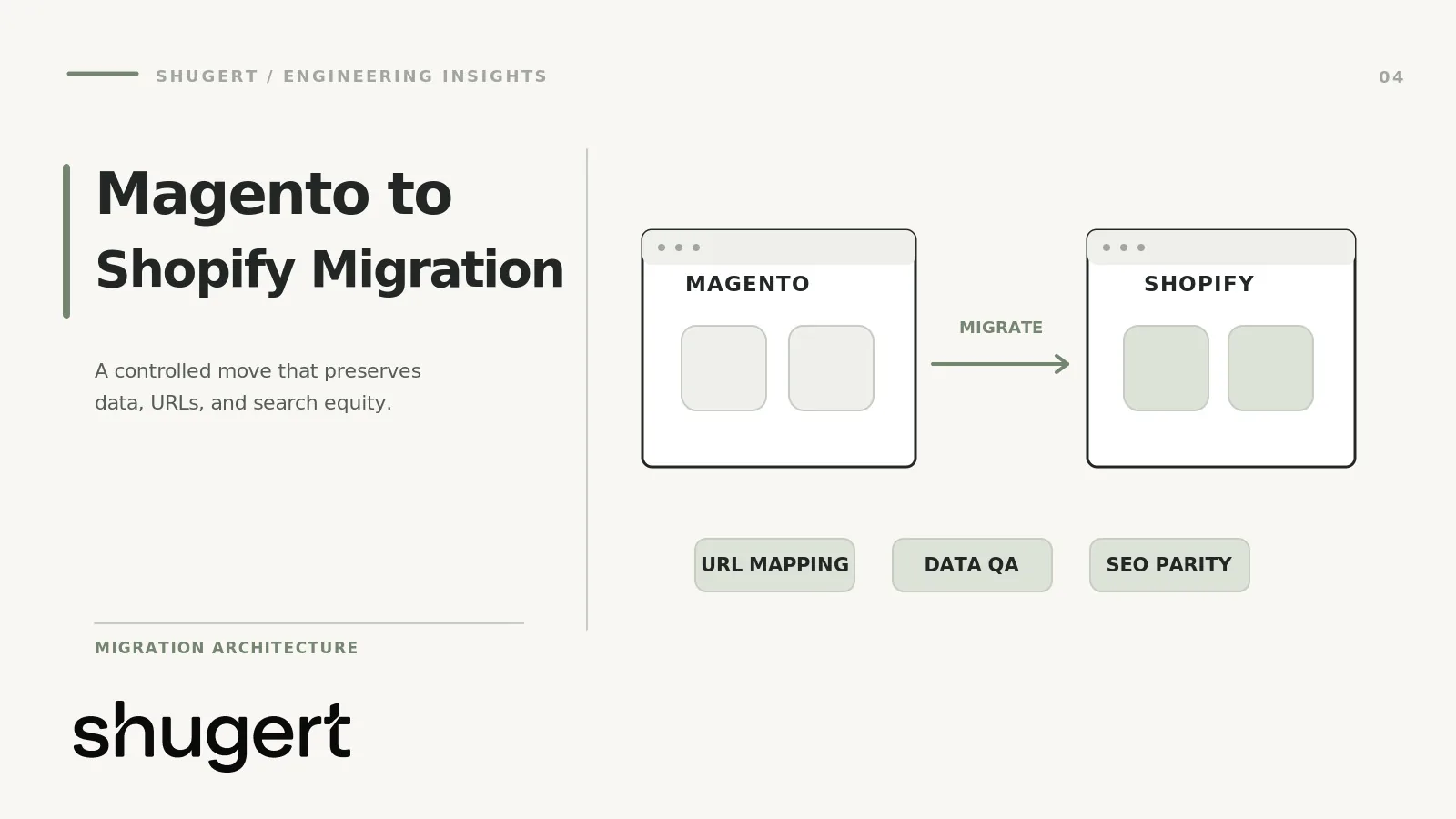
A Magento to Shopify migration is a data-modeling, URL and integration project, not a theme swap. Catalog, customer and order data have to be remapped from Magento’s EAV model to Shopify’s resource model. Every indexed URL needs a redirect plan. Every extension has to be replaced by a native feature, an app or custom code. This guide covers the engineering detail in the order you will meet it, and it also covers when staying on Magento is the better call.
If you want the platform-agnostic view first, see our general Shopify migration overview. This article is the Magento-specific layer on top of it.
Key takeaways
- Migrate in a fixed order: products, then customers, then historical orders, so order records attach to the right records. Shopify’s migration documentation recommends this sequence.
- Shopify uses fixed URL paths such as /products/ and /collections/. Map changed URLs to relevant destinations with permanent redirects and retain unchanged URLs where feasible. Plan the map before you build.
- Check native Shopify B2B, Markets and Checkout Extensibility before you rebuild Magento-style custom pricing or checkout logic.
- Treat the move as a data-hygiene opportunity. Purging dead SKUs and unused extensions beats a lift-and-shift.
- Change one thing at a time. Do not redesign, rename the domain and replatform in the same release.
Table of Contents
- Is Shopify the right move? When Magento is still the better answer
- Scope before you move anything: the audit
- Catalog migration: products, variants and configurable products
- Customers and orders
- B2B, wholesale and company accounts
- ERP, OMS and third-party extensions
- Checkout differences you must plan for
- SEO preservation
- A phased migration plan
- Technical QA checklist
- Rollback considerations
- Cost and timeline drivers
- Our perspective
- Plan your migration with Shugert
- FAQ
- Sources
Is Shopify the right move? When Magento is still the better answer
Most brands that ask us about this move are tired of hosting, patching and developer dependency. Shopify is a strong fit when your catalog and business rules fit its model. Staying on Magento can be preferable in a few cases:
- Deeply bespoke business logic in the storefront. If your pricing, quoting or configuration rules are your competitive edge and live in custom PHP modules, rebuilding them on Shopify may cost more than the platform savings.
- Highly configurable or bundled products with dependent options that go well beyond Shopify’s variant and option model, and that cannot be handled with apps or custom code at acceptable cost.
- Multi-store setups with heavy shared back-office logic that a single Shopify Plus organization would not simplify.
- A healthy, recently upgraded Magento install with a team that already runs it well and no pressing cost or speed problem.
If none of those describe you, and the pain is maintenance, speed or release velocity, the migration usually makes commercial sense. We will tell you plainly in the scoping call if it does not.
Scope before you move anything: the audit
Success depends as much on data hygiene as on platform features. Shopify’s guidance treats migration as the moment to clean data, and it advises against moving everything blindly (Shopify Help Center). Before any export, build four inventories:
- Catalog: active, disabled, never-sold and out-of-stock SKUs, with revenue and organic traffic per product.
- URLs: every indexed and linked URL, pulled from Magento’s url_rewrite table, the XML sitemap, server logs, Search Console and a crawl.
- Extensions: each module, what business function it serves, and whether Shopify handles it natively, with an app, or not at all.
- Integrations: ERP, OMS, WMS, PIM, tax, payments, shipping, email and loyalty, with the direction and frequency of every data flow.
The output is a keep, replace, rebuild or retire decision for every line. This is also where a dedicated SEO audit of the legacy site pays for itself, because it tells you which URLs carry the traffic you cannot lose.
Catalog migration: products, variants and configurable products
Mapping Magento product types
| Magento type | Shopify equivalent | Watch for |
|---|---|---|
| Simple | Product with one default variant | SKU and barcode uniqueness |
| Configurable | Product with options and variants | Option count and variant limits |
| Grouped | Separate products plus a custom bundle or collection pattern | No native grouped type |
| Bundle | Bundles app, Shopify Functions or custom logic | Dynamic pricing rules |
| Virtual / downloadable | Digital product via app | Delivery and licensing flow |
A Magento configurable product maps to one Shopify product with variants. Shopify’s product model uses up to three options per product, so a configurable with four or five attributes needs a decision: split into separate products, fold an attribute into a metafield or line item property, or use a custom approach.
Variant volume and API choices
For large catalogs, avoid legacy REST patterns. Shopify’s GraphQL productVariantsBulkCreate and productVariantsBulkUpdate mutations now support up to 2,048 variants per product, up from the earlier limit of 100, and use dynamic complexity costing. Design your loader to be idempotent: key every record to its Magento entity ID and SKU so a failed batch can be retried without creating duplicates.
CSV imports suit smaller catalogs. Per Shopify’s migration guidance, third-party apps or custom API solutions are the recommended route for complex, high-volume data.
Custom attributes and metafields
Magento’s EAV model lets you add attributes freely. Shopify has standard product fields plus metafields for everything else. For each Magento attribute, decide:
- Is it customer-facing (spec tables, filters)? Make it a metafield with a defined type and expose it in the theme.
- Is it operational (ERP codes, supplier IDs)? Store it as a metafield not rendered on the storefront, or keep it only in the ERP.
- Is it dead? Drop it.
Define metafield definitions before import so values are validated and available to the theme editor and filters. Tag records with your Magento IDs through metafields as well, which gives you a clean reconciliation key for QA.
Customers and orders
Import customers after products and before historical orders (Shopify Help Center). Plan these points:
- Plan for password resets. Magento password hashes cannot be imported as usable Shopify customer passwords through the standard migration process. Plan a customer account activation or password-reset campaign and communicate it before launch.
- Addresses and consent. Map multiple addresses per customer, and carry over email marketing consent only where you have a record of it.
- Historical orders. Decide how much history you need in Shopify. Many brands import a defined window for customer-service lookups and keep the full archive in a reporting warehouse or the old system.
- Order totals and tax. Imported orders should not trigger emails, inventory adjustments or payment capture. Test with a sample first.
- Subscriptions and stored cards. Tokenized payment data depends on your processor and subscription app. Confirm with both before you commit to a date.
B2B, wholesale and company accounts
If you run B2B on Magento with shared catalogs, customer groups and negotiated pricing, look at native Shopify B2B before writing custom code. Per Shopify’s B2B plan features page, Shopify Plus supports an unlimited number of B2B catalogs, while Basic, Grow and Advanced are limited to three active catalogs across B2B markets. Plus is the only plan that supports direct catalog assignment to specific companies and company locations. In Shopify B2B, orders must involve a B2B customer tied to a company location at checkout, otherwise default pricing applies.
Validate current catalog-assignment and order-size limits against the specific Shopify plan and API before scoping a migration; they are not established by the plan comparison linked above. Teams should test Companies and Catalogs against real Magento pricing scenarios before developing replacements. Use native first, and custom development only for constraints the platform cannot meet.
ERP, OMS and third-party extensions
Integrations are where timelines slip. Magento often talks to the ERP through custom modules and cron jobs. On Shopify, that logic moves outside the platform: middleware, an iPaaS, or a custom app using the Admin GraphQL API and webhooks.
For each integration, document:
- System of record for inventory, price, customer and order status
- Direction and frequency (real-time webhook, scheduled batch)
- Failure handling, retries and alerting
- Who owns the vendor relationship
For extensions, sort into three buckets: native (discounts, B2B, multi-currency through Markets), app (reviews, subscriptions, search, loyalty), and custom (unusual workflows, proprietary pricing). Avoid replicating every module. Unused extensions carried over create performance debt on the new platform. If you land in the custom bucket, our custom Shopify development work covers apps and integrations.
Checkout differences you must plan for
Magento lets developers modify checkout code directly. Shopify’s checkout is hosted and customized through settings, Checkout Extensibility and Shopify Functions. On Shopify Plus, the old checkout.liquid approach is no longer an option: Shopify’s developer documentation states it is unsupported for the Information, Shipping and Payment steps, and that checkout.liquid and additional scripts were sunset for the Thank you and Order status pages on August 28, 2025.
Practical implications:
- Rebuild custom checkout fields, validations and upsells with checkout UI extensions and Functions, not with ported scripts.
- Tracking pixels and third-party scripts must be reconnected through Shopify’s customer events and pixel framework, then verified against your analytics.
- Tax, shipping rate and payment logic need testing with real carts across states, not just happy-path orders. Tax tooling choice matters here, and our Avalara vs TaxJar comparison covers it.
SEO preservation
Google’s site move documentation is clear on two principles: change as little as possible at once, and expect temporary fluctuation while Google recrawls. Replatforming changes URLs, templates and markup together, so it needs discipline.
URL inventory and redirect map
Shopify uses fixed path structures, so you cannot recreate Magento’s custom URL patterns exactly. Every product, category and content URL with traffic, links or rankings needs a one-to-one 301. Google states that 301 redirects pass signals during moves, so avoid mapping everything to the homepage or to a category.
Build the map from your inventory, then handle edge cases:
- Layered navigation and filter URLs with parameters: decide which have organic value.
- Category pages with products at multiple paths in Magento.
- Retired products: redirect to the closest successor or parent collection.
- Trailing slashes, case and uppercase variants.
Check volume against platform limits. Shopify’s redirect documentation lists a cap of 100,000 redirects on standard plans and up to 20,000,000 on Plus. For catalogs this size, use bulk import or API-driven tooling and avoid redirect chains.
Metadata, structured data and canonicals
- Metadata: export titles, meta descriptions, H1s and image alt text from Magento and map them to Shopify fields or metafields. Do not let the theme overwrite them with defaults.
- Structured data: for variant-heavy catalogs, Google recommends ProductGroup markup with variesBy, hasVariant and productGroupID. Each variant should be reachable by a unique URL, and the product group needs a canonical URL.
- Canonicals: verify that variant URLs and collection-filtered product URLs point to the right canonical in the rendered HTML, not just the template.
- Hreflang and pagination: carry them over if you serve multiple markets.
Sitemap validation and Search Console
Shopify generates its sitemap automatically. Validate that it contains only indexable, 200-status URLs, then submit it. Keep the old sitemap’s URL list for post-launch comparison. Per Google, medium-sized sites can take a few weeks or more to see full indexing of new URLs, so monitor:
- Index coverage and crawl stats by section
- Redirect hits and 404s from server and Shopify logs
- Organic landing pages versus the pre-launch baseline
- Merchant Center feed status and product snippet errors
Google also advises timing the move for a low-traffic period. For most retailers that means avoiding Q4. If you need a post-launch cleanup, our technical SEO cleanup engagement is built for it. No one can guarantee rankings through a replatform, and we do not.
A phased migration plan
- Discovery and audit. Inventories, keep/replace/retire decisions, success metrics and a baseline for traffic, conversion and speed.
- Architecture and scope. Data mapping, metafield definitions, theme approach, integration design, acceptance criteria.
- Build. Theme development, Shopify B2B and Markets configuration, checkout extensions, apps and integrations in a development store.
- Data migration, rehearsal one. Load products, customers, then orders into staging. Reconcile counts and totals against Magento.
- QA and UAT. Run the checklist below, with business owners placing real test orders.
- Delta and rehearsal two. Time the full cutover steps, including final delta import for new orders and customers.
- Launch. Freeze Magento admin changes, run the final delta, switch DNS, activate redirects, submit the sitemap, and watch monitoring.
- Hypercare. Daily checks for the first weeks on errors, redirects, orders and indexing, then a before-and-after review.
Technical QA checklist
- Product, variant, customer and order counts reconcile to source, with sampled field-level checks
- Prices, compare-at prices, inventory and tax settings match expectations
- Metafields render correctly and filters work
- Redirect map tested at scale: status 301, single hop, correct destination
- Canonicals, robots directives, titles and structured data validated on rendered pages
- Sitemap clean, with no redirected or noindexed URLs
- Checkout tested by payment method, shipping zone, discount and tax scenario, including B2B company-location orders
- ERP, OMS and email flows confirmed end to end with failure alerts
- Analytics events and ad pixels compared against old-site numbers
- Core Web Vitals checked on key templates on real devices
Rollback considerations
Decide on rollback before launch, not during it. Keep Magento running, with admin frozen or in read-only mode, until you are confident. Lower DNS TTLs ahead of the switch so you can revert quickly. Define explicit triggers, such as failed checkout, order sync failure or a major redirect error, and who makes the call. Know the cost: orders placed on Shopify after launch must be reconciled back if you revert, which is why the order delta process matters. A rollback window of days is realistic. A rollback after weeks is a second migration.
Cost and timeline drivers
Your cost follows complexity, not catalog size alone. The main drivers:
- Number of integrations and how custom they are
- Variant and option complexity, and bundle logic
- B2B pricing rules, company structures and approval flows
- Custom theme design versus a refined existing theme
- Amount of URL history and redirect volume
- Historical order depth and subscription data
- Extensions that need custom rebuilds
Shugert publishes pricing ranges on its pricing page: Custom Development and Replatforming starts from $5,000 as a one-off project, and Shopify Plus Engineering retainers start from $9,000 per month. Your quote depends on the audit findings. Timelines depend on the same drivers and on how quickly your team approves decisions and supplies integration access.
Our perspective
The migrations that go wrong are rarely failed imports. They are scope problems: nobody decided what to leave behind, nobody owned the redirect map, or the team rebuilt every Magento customization out of habit. We start with the commercial constraint, define scope and acceptance criteria, implement in a controlled environment, QA the release and measure before and after. Our engineering team handles the implementation and release process. We do not promise ranking or conversion gains, because a clean migration protects what you have and creates room to improve it. Native Shopify capabilities come first, and custom code is for what is truly unique to your business.
Plan your migration with Shugert
If you run an established DTC or B2B store on Magento or Adobe Commerce and are weighing the move, we can audit your catalog, URLs, integrations and checkout needs and return a fixed scope. Review our Shopify migration services, then request a fixed-price Shopify quote to book a consultation.
FAQ
How long does a Magento to Shopify migration take?
It depends on integrations, B2B rules, theme scope and approval speed. A simple catalog with a refined theme moves much faster than a multi-integration B2B build. We set a timeline only after the audit, and we recommend avoiding a launch during your peak sales season.
How much does it cost to migrate from Magento to Shopify?
Cost follows complexity: integrations, custom features, B2B logic and redirect volume. Our published starting point for custom development and replatforming is $5,000 one-off, and the final fixed scope comes from the audit. Third-party tools can move raw data cheaper, but they do not cover design, integrations or SEO work.
Is Shopify better than Magento for SEO?
Neither platform ranks a site by itself. Shopify gives you fixed URL structures and managed hosting, while Magento gives you more URL flexibility. Results depend on how well you preserve URLs, metadata, structured data and internal linking during the move.
Can I migrate customer passwords and order history?
Passwords cannot be transferred, so customers must activate or reset their accounts after launch. Order history can be imported after products and customers, and many brands import only a defined window of recent history.
Sources
- Shopify Help Center: Migrate to Shopify
- Shopify Help Center: Shopify B2B features by plan
- Shopify Help Center: Creating and managing URL redirects
- Shopify developer changelog: productVariantsBulkCreate and productVariantsBulkUpdate
- Shopify developer docs: checkout.liquid
- Google Search Central: Site moves and migrations
- Google Search Central: Redirects and Google Search
- Google Search Central: Product variants structured data