Shopify Inventory Sync: Reconciliation & Overselling QA
A technical guide to Shopify inventory sync for multi-warehouse and ERP-connected brands: APIs, webhooks, idempotency, reconciliation, apps vs. middleware.
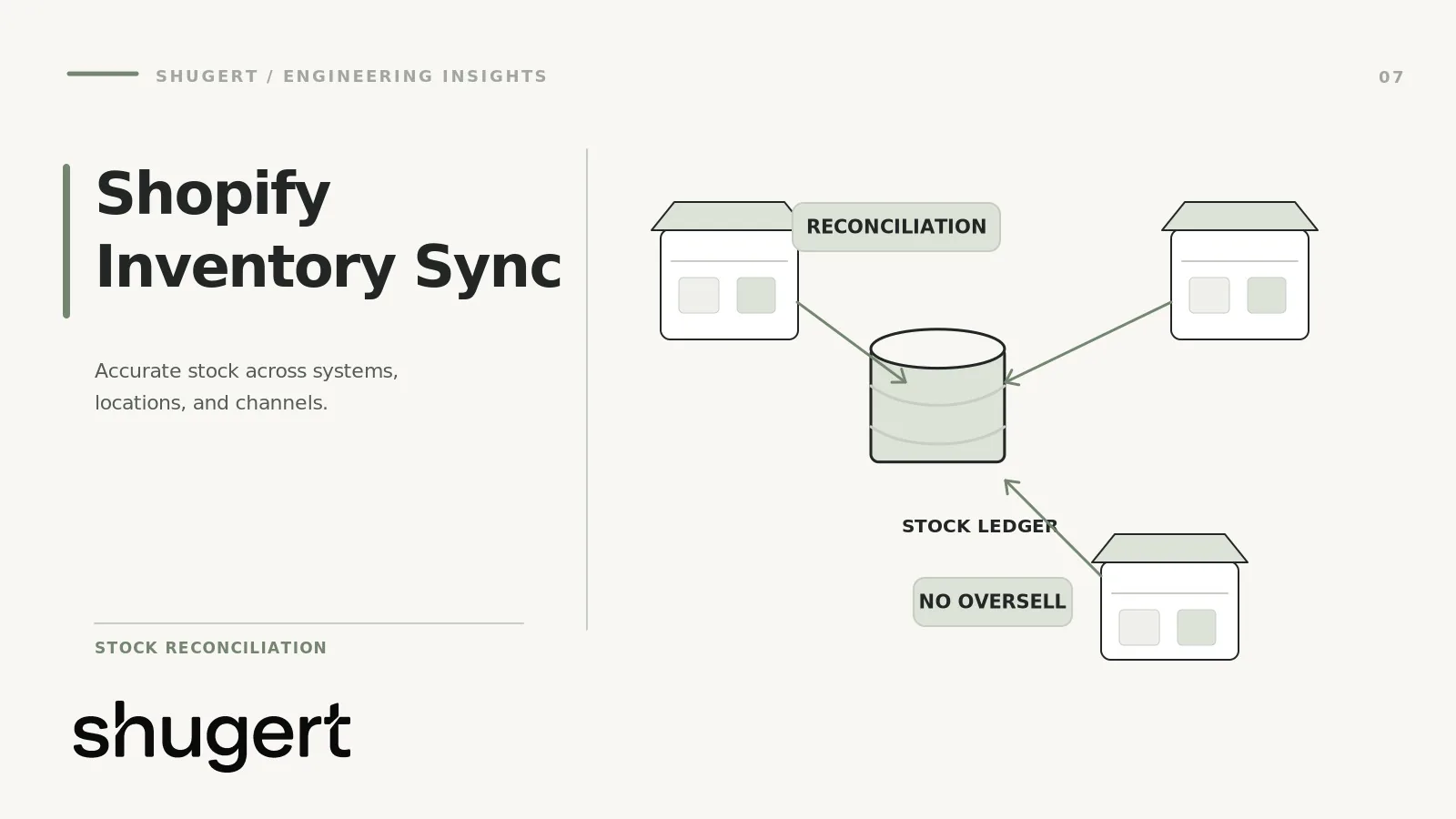
This guide is about keeping Shopify stock quantities correct when warehouses, an ERP, marketplaces and fulfillment systems can all change inventory. It is not a general ERP integration comparison. The engineering problem is to prevent two systems from writing conflicting quantities, avoid applying retries twice, detect missed updates and reconcile discrepancies before they cause overselling.
Start by naming the authoritative inventory writer for each location and quantity type. Then test duplicate events, concurrent updates, SKU mapping and reconciliation against realistic operational failure cases. The checks below turn inventory synchronization into a measurable reliability process rather than a one-time connector setup.
Key takeaways
- Pick one system of record per SKU and per location before you pick a tool. Most sync bugs are ownership bugs.
- Treat webhooks as a signal to re-read state, not as the source of truth, and run scheduled reconciliation as a standing job.
- Use compare-and-swap (
changeFromQuantity) and idempotency keys on every inventory write so retries cannot double-decrement stock. - Apps fit simple topologies. Custom middleware earns its cost when you have an ERP or OMS, multi-step allocation rules, or audit requirements.
- Monitor drift, queue age and failed writes, not just uptime.
Table of Contents
- Decide who owns inventory first
- How Shopify models inventory
- Webhooks, APIs and the case for dirty flags
- Real-time versus scheduled synchronization
- SKU mapping that survives real catalogs
- Order allocation and overselling prevention
- Retries, idempotency and compare-and-swap
- Reconciliation: the job that makes everything else forgivable
- App-based integration versus custom middleware
- Example architecture
- Common failure scenarios
- Monitoring recommendations
- Implementation checklist
- Our perspective
- Getting help with the build
- FAQ
- Sources
Decide who owns inventory first
Shopify’s own enterprise guidance describes two models for established brands. In the multi-location model, Shopify holds quantities across several physical locations and is the working source of truth. In the OMS model, an external order management system or ERP owns the real topology (physical locations, in-transit stock, reservations, available-to-sell math) and Shopify receives only what the storefront needs.
The practical difference is the shape of the integration:
| Question | Multi-location model | OMS/ERP-owned model |
|---|---|---|
| Who calculates available-to-sell? | Shopify, per location | External system |
| Locations in Shopify | One per warehouse, store or 3PL | Often a single designated online location |
| Integration direction | Bidirectional | Mostly outbound push, inbound orders |
| Main risk | Allocation surprises, location activation errors | Latency between ERP count and storefront |
| Best for | Few locations, Shopify-centric ops | Complex allocation, ERP-driven fulfillment |
The OMS pattern pushes one SKU-level number to Shopify with the GraphQL inventorySetQuantities mutation, per the same Shopify documentation. That simplicity is the reason many brands with an ERP choose it. The cost is that you lose some native Shopify features that depend on per-location quantities, such as local pickup availability by store, so decide that with merchandising and retail ops, not only engineering.
Whatever you pick, write it down per field: on-hand, committed, available, safety stock, incoming. Each needs exactly one writer.
How Shopify models inventory
Three objects matter. An inventory item belongs to a variant and carries the SKU and tracking flag. A location is a place where stock is held or a fulfillment app that manages it. An InventoryLevel connects one item to one location and tracks several quantity states, such as available, on hand and committed.
Two details cause most of the confusion.
Recorded is not sellable. Per Shopify’s multi-location help documentation, stock only counts when the product is stocked at that location. Your sync should verify both quantity and whether the item is active at the location before it reports anything as available. A write to a location where the item is not stocked is a classic silent failure: your ERP says 40, the storefront says sold out, and nobody sees an error.
Quantity states are not all visible in events. Shopify’s inventory management guidance distinguishes states such as available, committed, reserved and safety stock. The standard inventory webhooks do not report all of them, so a sync that only listens to inventory_levels/update has a blind spot for exactly the states B2B and high-volume DTC operations care about.
Webhooks, APIs and the case for dirty flags
Shopify says plainly that your app should not rely on webhooks alone: delivery is not guaranteed, and handlers fail or go down. It recommends reconciliation jobs that fetch objects updated since the last run, and it tells you to verify HMAC signatures and ignore duplicates using the X-Shopify-Webhook-Id header.
The pattern we recommend follows from that and from Shopify’s enterprise OMS documentation on event-driven reconciliation:
- Receive the webhook. Verify the signature. Record the webhook ID. Return 200 fast.
- Enqueue a job keyed on the inventory item ID, not the payload.
- The worker re-reads the full current state with the GraphQL
inventoryItemquery, as described in Shopify’s fulfillment build guide. - The worker compares to the system of record and writes only if there is a real difference.
The webhook becomes a dirty flag. If it is late, duplicated, or reordered, the worker still reads current state, so the outcome is the same. Coalescing jobs by item ID also protects you during flash sales, when one hot SKU can generate hundreds of events a minute and you only need the latest state.
Check the current webhook topic list and the migration guidance for webhooks when you build, because topics, filters and query variables evolve by API version.
Real-time versus scheduled synchronization
This is not a binary choice. Split by the cost of being wrong.
| Flow | Recommended cadence | Why |
|---|---|---|
| Shopify order to ERP/OMS | Event-driven, seconds | Reservation must reach the system that allocates |
| ERP available-to-sell to Shopify, fast movers | Event-driven or every 1 to 5 minutes | Overselling exposure is highest |
| ERP to Shopify, slow movers | Every 15 to 60 minutes, delta only | Low risk, saves API budget |
| Full reconciliation | Nightly, plus a lighter intraday pass | Catches everything the others miss |
| Marketplace channels | Match the marketplace’s own rate limits | Channel APIs often throttle harder than Shopify |
Shopify’s enterprise documentation describes a three-stage strategy: an initial baseline push with inventorySetQuantities, threshold-based delta updates with inventoryAdjustQuantities to reduce API load, and periodic reconciliation to correct drift. Thresholds matter: pushing every one-unit change on a 10,000-unit SKU wastes budget, while pushing every change on a SKU with 3 units left is how you oversell.
A useful rule: tighten the cadence as available stock approaches your safety stock. A SKU with 400 units can tolerate a 30-minute lag. The same SKU at 6 units should sync on every event.
SKU mapping that survives real catalogs
SKU mapping looks trivial until it meets a real catalog. Build the mapping as its own table instead of trusting that SKUs match:
- Store
erp_sku,shopify_inventory_item_id,shopify_variant_id,marketplace_skuand a status field. - Key writes on
inventory_item_id, never on the SKU string. SKUs get edited, reused and typo’d. - Handle kits and bundles explicitly. A bundle’s available quantity is the minimum of its components divided by quantity per bundle, calculated outside Shopify, then pushed.
- Handle case, whitespace and leading-zero problems at ingestion. A spreadsheet that turns
00412into412will create a ghost SKU. - Quarantine unmapped SKUs in a review queue and alert on them. Do not drop them silently or auto-create products.
Order allocation and overselling prevention
Overselling has three common causes, and a sync tool fixes only one.
Latency. Stock sold on Shopify and a marketplace in the same minute. Fix with a buffer: publish available-to-sell minus a safety quantity per channel, with a larger buffer on marketplaces where cancellations are penalized.
Allocation mismatch. Shopify routes an order to a location by its rules, while your ERP would have chosen another warehouse. In the OMS model, avoid this by having a single online location and letting the OMS decide fulfillment. In the multi-location model, review the shipping profiles and location priority and test them against your split-shipment policy.
Concurrent writes. Your sync pushes a count that was correct ten seconds ago, overwriting a sale that just happened. This is where compare-and-swap is essential, covered next.
For limited drops, consider a reservation step in your own middleware, so checkout does not depend on a count that is minutes old.
Retries, idempotency and compare-and-swap
Network retries are where custom middleware hurts people. A request times out, the client retries, and both requests applied. Now you have decremented twice.
Shopify addressed this directly. A February 2026 changelog post announced concurrency protection for key inventory and refund mutations using idempotency keys, so duplicates from retries can be neutralized. Its 2026-04 API version requires the @idempotent directive on those mutations. Shopify’s idempotent requests reference explains the key: a unique string your app generates, which Shopify uses to recognize duplicate requests.
The design rules:
- Generate the idempotency key once per logical change (for example, a UUID stored with the job), and reuse it on every retry of that change. A new UUID per attempt defeats the purpose.
- Persist the key before sending. If your worker crashes after sending, the restart must reuse it.
- Use
changeFromQuantityoninventorySetQuantities. Shopify’s changelog explains that passing an integer enables the comparison check against the prior quantity, while explicitly passing null bypasses it. Pass the value you last read. If someone sold a unit in between, the write fails instead of overwriting, and your worker re-reads and recomputes. - Retry with exponential backoff and jitter on throttling and 5xx errors. Do not retry validation failures; send them to a dead-letter queue.
- Prefer relative adjustments for sales-driven changes and absolute sets for corrections, and never mix them for the same field without a clear owner.
Idempotency prevents duplicate writes. Compare-and-swap prevents stale writes. You need both.
Reconciliation: the job that makes everything else forgivable
Every sync drifts eventually, due to a missed webhook, a manual adjustment in the admin, a 3PL file arriving late or a bug shipped on a Friday. Reconciliation turns drift from an incident into a metric.
A workable design:
- Pull the system of record snapshot (ERP available-to-sell by SKU).
- Pull Shopify levels, using
updated_atfilters for incremental passes as Shopify suggests, and a full pass nightly. - Join through the mapping table on inventory item ID.
- Classify differences: within tolerance, auto-correct, or needs review (large swing, negative, unmapped).
- Apply corrections through the same idempotent, compare-and-swap path as normal writes.
- Log every correction with before, after, cause code and run ID.
Track the drift rate by SKU and by cause. If the same 30 SKUs drift every night, you have found a bug, not a data problem.
Inventory reconciliation acceptance tests
Before production cutover, simulate the failures that ordinary happy-path sync demos miss. Capture the source quantity, Shopify quantity, event identifiers, correction and final result for each scenario.
- Duplicate event: Deliver the same stock update twice. Confirm the second delivery cannot double-apply a quantity delta.
- Concurrent writers: Simulate a fulfillment change while an ERP update is in flight. Confirm stale writes are rejected or reconciled according to the chosen ownership model.
- Missed webhook: Withhold one notification and verify that scheduled reconciliation detects and repairs the discrepancy without requiring a manual guess.
- Unmapped SKU or location: Confirm the job quarantines the record, alerts an owner and never silently updates a different inventory item.
- Late warehouse feed: Replay an older snapshot after a newer update. Verify the integration uses a documented version or ordering policy rather than overwriting valid current stock.
App-based integration versus custom middleware
The Shopify App Store has hundreds of inventory sync apps, and many are good for what they were built for. The question is fit.
| Criterion | App-based integration | Custom middleware |
|---|---|---|
| Time to first sync | Days | Weeks |
| Cost shape | Subscription, scales with SKUs or orders | Build cost plus maintenance |
| Topology fit | Store-to-store, marketplace, simple supplier feeds | Custom ERP, OMS, WMS, 3PL, EDI |
| Allocation logic | Vendor’s rules | Yours |
| Idempotency and CAS control | Vendor-dependent, often opaque | Explicit |
| Observability | Vendor dashboard | Your own metrics and alerts |
| Vendor risk | Roadmap and pricing changes | You own the code and the on-call |
Choose an app when you have one or two channels, a clean SKU catalog, and a standard connector exists for your ERP or marketplace. Choose middleware when any of these is true: your ERP needs custom field logic, you sell bundles and kits with computed availability, you need per-channel buffers, you need audit trails for finance, or an app’s sync has already caused an oversell you could not diagnose.
A hybrid is common and sensible: an app handles marketplace listings while middleware owns the ERP-to-Shopify path. Just ensure only one writer per field. For the ERP side specifically, our write-up on Shopify ERP integration goes deeper on that boundary.
Example architecture
This is an original reference design for a brand with an ERP, two warehouses, one retail store and one marketplace. It is a pattern, not a description of any client.
Components
- ERP/OMS: owns on-hand, reservations and available-to-sell per channel.
- Webhook receiver: a thin endpoint that verifies the HMAC, stores the webhook ID in a dedup table, and enqueues. Nothing else.
- Queue: partitioned by inventory item ID so that updates for the same SKU are processed in order.
- Sync workers: read current state from Shopify, compute the target, write with
@idempotentandchangeFromQuantity. - Mapping store: SKU to inventory item ID, location IDs, bundle definitions, channel buffers.
- Reconciler: scheduled incremental and nightly full jobs.
- Dead-letter queue and review UI: unmapped SKUs, inactive-location errors, repeated CAS conflicts.
- Metrics and alerting: described below.
Flow
- A customer buys the last 5 units of a SKU. Shopify fires an order webhook and an inventory webhook.
- The receiver dedupes and enqueues a job for the item.
- A worker sends the order to the ERP for allocation, and reads the Shopify inventory state.
- The ERP returns the new available-to-sell. The worker subtracts the marketplace and safety buffers, and writes Shopify with the last-read quantity as
changeFromQuantity. - If the write conflicts, the worker re-reads and recomputes, up to a limit, then escalates.
- The marketplace connector receives the same computed number from the ERP, not from Shopify, so channels never chase each other.
That last point matters. Channels should consume from the system of record, never from each other. Shopify-to-marketplace-to-Shopify loops are how counts oscillate.
Common failure scenarios
| Failure | Symptom | Control |
|---|---|---|
| Retry applies twice | Stock lower than reality after a timeout | Idempotency key reused across retries |
| Stale overwrite | Sold units reappear | changeFromQuantity compare-and-swap |
| Missed webhook | One SKU wrong until someone notices | Incremental reconciliation by updated_at |
| Item not active at location | Write succeeds in ERP, storefront shows sold out | Verify location activation before assuming availability |
| Duplicate or reordered webhooks | Flapping counts | Dedup on webhook ID, re-read state |
| Bulk import during a sale | API throttling, queue backlog | Rate-aware workers, priority lanes for low-stock SKUs |
| Manual admin edits | Drift the sync did not cause | Restrict permissions, detect in reconciliation |
| Bundle math wrong | Kit oversold when one component is out | Computed availability from components |
| Unmapped new SKU | Product never syncs | Quarantine queue with alert |
| Two writers on one field | Counts oscillate | Single-owner policy per field |
Monitoring recommendations
Uptime tells you the receiver is alive. It does not tell you the counts are right. Monitor:
- Drift rate: share of SKUs where Shopify and the system of record differ at each reconciliation, split by tolerance band.
- Queue age: oldest unprocessed job. Alert on minutes, not counts.
- Write outcomes: success, CAS conflict, throttled, validation error, per mutation.
- Webhook gap: difference between webhooks received and objects found updated by the reconciler. A widening gap means delivery problems.
- Oversell and cancellation rate: the business metric that all of this exists to protect. Tie it to SKU and channel.
- Low-stock latency: time from sale to updated count for SKUs under their safety threshold.
- Unmapped SKU count: should be near zero.
Page on queue age and write failure ratios. Put drift trends on a weekly review with ops, because a persistent cause usually needs a process fix.
Implementation checklist
- Document the system of record for each quantity state and each location.
- Choose the multi-location or OMS model and record the tradeoffs accepted.
- Audit the catalog: duplicate SKUs, blanks, bundles, untracked items.
- Build the mapping table keyed on inventory item ID.
- Confirm item activation at every location you will write to.
- Subscribe to webhooks with HMAC verification and ID-based dedup.
- Make workers re-read current state rather than trusting payloads.
- Add idempotency keys and
changeFromQuantityto every write, and pin and test your API version. - Define backoff, retry limits and a dead-letter path.
- Set per-channel buffers and safety stock rules.
- Build incremental and nightly reconciliation with logged corrections.
- Instrument drift, queue age and write outcomes, and set alert thresholds.
- Load test with a simulated flash sale and a bulk import together.
- Run in shadow mode (compute, compare, do not write) before cutover.
- Release in stages, with a rollback plan and a manual reconciliation trigger.
Our perspective
We treat inventory sync as a reliability problem that happens to involve Shopify, not a connector problem. The diagnostic question is always the same: which system owns each number, and what happens when a message is late, duplicated or lost? Shugert has worked in the Shopify ecosystem since 2015, and our approach is to define scope and acceptance criteria first, build in a controlled environment, QA the release and measure before and after.
Our view is that most brands should start by writing the ownership table and the failure table before they evaluate a single app or write a line of middleware. Often that exercise shows that an app is enough. Sometimes it shows that the real issue is a process, such as manual admin edits at a warehouse. When it points to custom middleware, we would rather ship a small, observable service with reconciliation than a clever real-time system nobody can debug at 2 a.m. during Black Friday week.
Getting help with the build
If your sync touches an ERP, multiple warehouses or Shopify Plus, our custom Shopify development work covers integrations and middleware, with senior engineers on the implementation. Published pricing for fixed-scope work and monthly engineering plans is on our pricing page. If you want to talk through your topology first, request a fixed-price quote and tell us your locations, channels and systems.
FAQ
Why is my Shopify inventory not syncing correctly?
The usual causes are two writers on the same field, an item not stocked at the target location, a missed or duplicated webhook, or a retry that applied twice. Start by checking location activation, then compare the system of record to Shopify for the affected SKUs. If drift keeps returning on the same items, look for a second system editing those quantities.
Are Shopify webhooks reliable enough for real-time inventory sync?
Not on their own. Shopify’s documentation says delivery is not guaranteed and recommends reconciliation jobs. Use webhooks to trigger a fresh read of state, and let scheduled reconciliation catch whatever they miss.
Should I use an app or build custom middleware?
Use an app when you have a few channels, clean SKUs and a supported connector. Build middleware when you need custom ERP logic, bundle math, per-channel buffers, audit trails or explicit control over retries and idempotency. Many brands run both, with a single owner per field.
How do I prevent overselling across channels?
Publish available-to-sell minus a safety buffer, feed all channels from one system of record, and use compare-and-swap writes so stale counts cannot overwrite recent sales. Tighten sync frequency as stock approaches the safety threshold. No sync design removes the risk entirely, so track oversell and cancellation rates.
Sources
- Order management for enterprise, Shopify developer docs
- InventoryLevel object, Shopify GraphQL Admin API
- Understanding inventory management for multiple locations and apps, Shopify Help Center
- Apps in inventory management, quantity states, Shopify developer docs
- About webhooks, best practices, Shopify developer docs
- Build fulfillment solutions, Shopify developer docs
- WebhookSubscriptionTopic, Shopify GraphQL Admin API
- Migrate from webhooks, Shopify developer docs
- New concurrency protection to inventory mutations, Shopify community changelog
- Idempotent requests, Shopify developer docs
- Improved compare and swap for inventorySetQuantities, Shopify changelog